
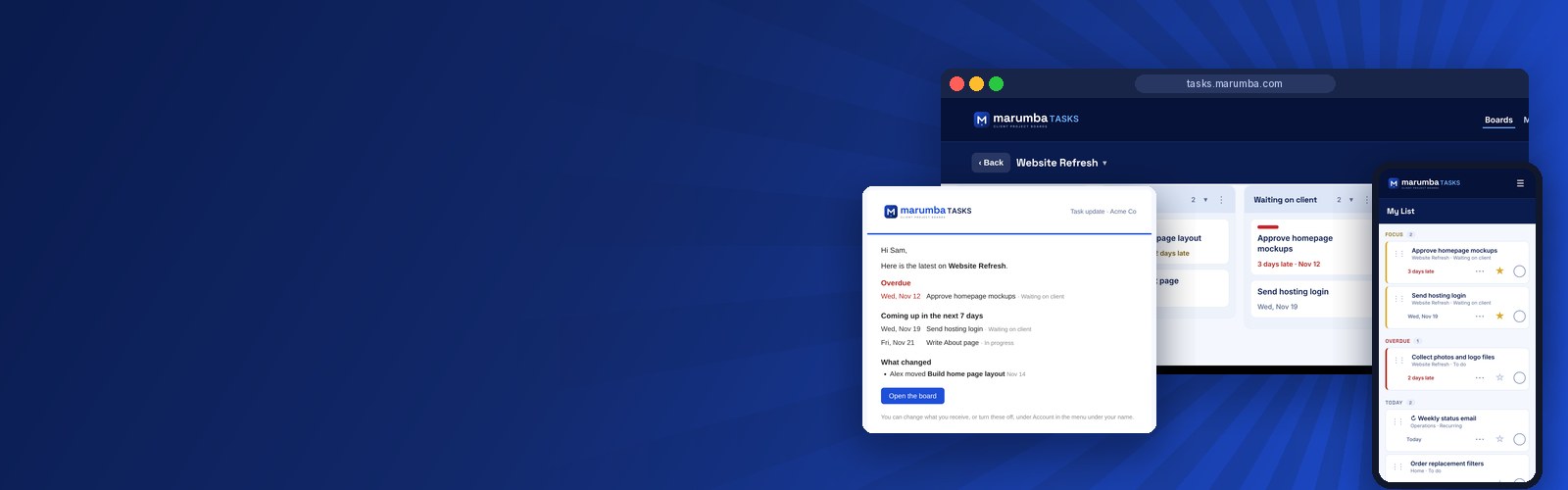
The challenge
The client runs a consulting business and a busy household, and the work lived in too many places. Business tasks arrived by email and text message, and the same question kept coming back: where does this stand? There was no single view of what was done, what was waiting on someone and what was overdue.
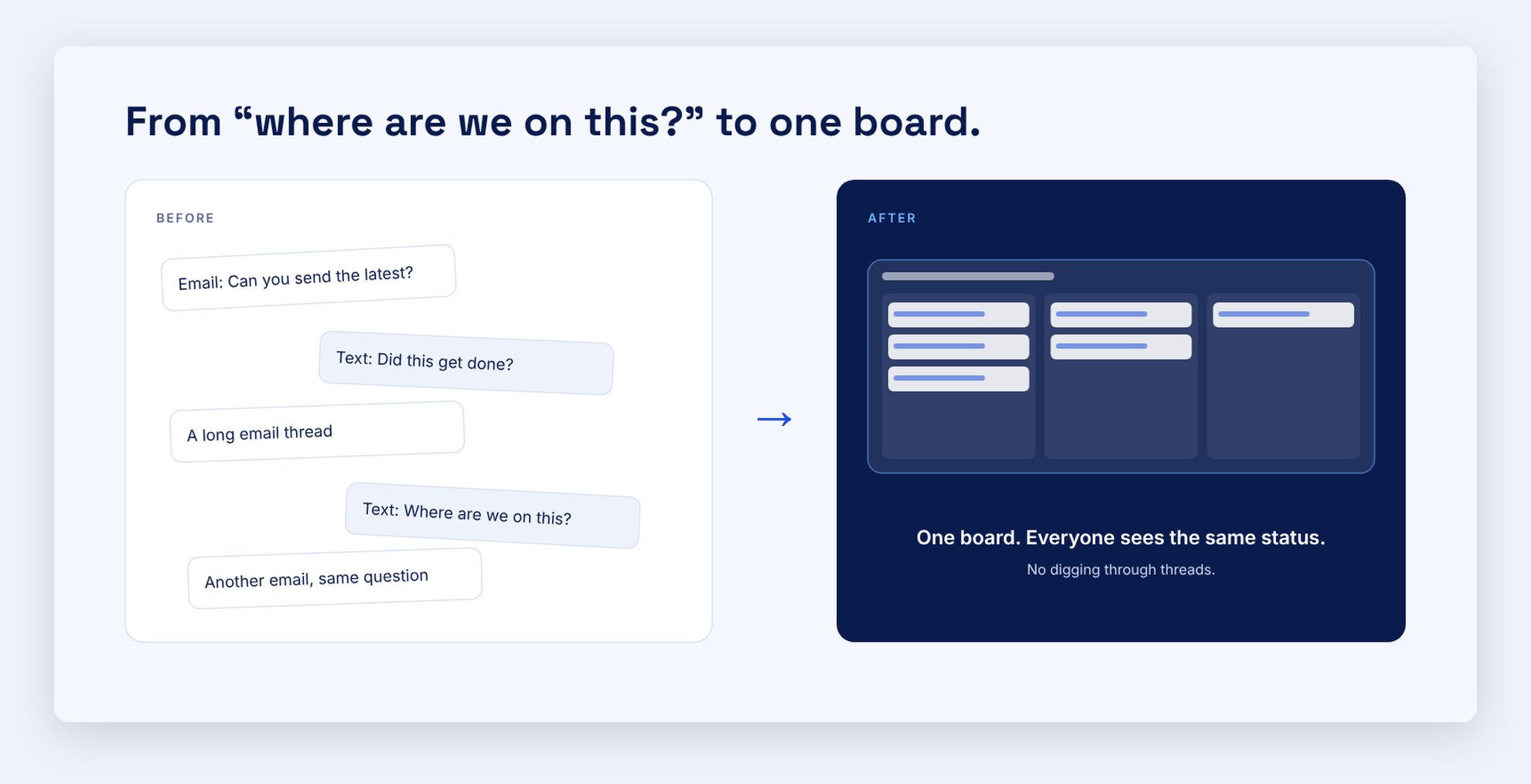
Trello worked for personal projects, but it couldn't do the next thing the client needed: give each of their own customers a private login to see and add their own tasks, while the client sees everything. The client wanted one tool for all of it.
Our approach
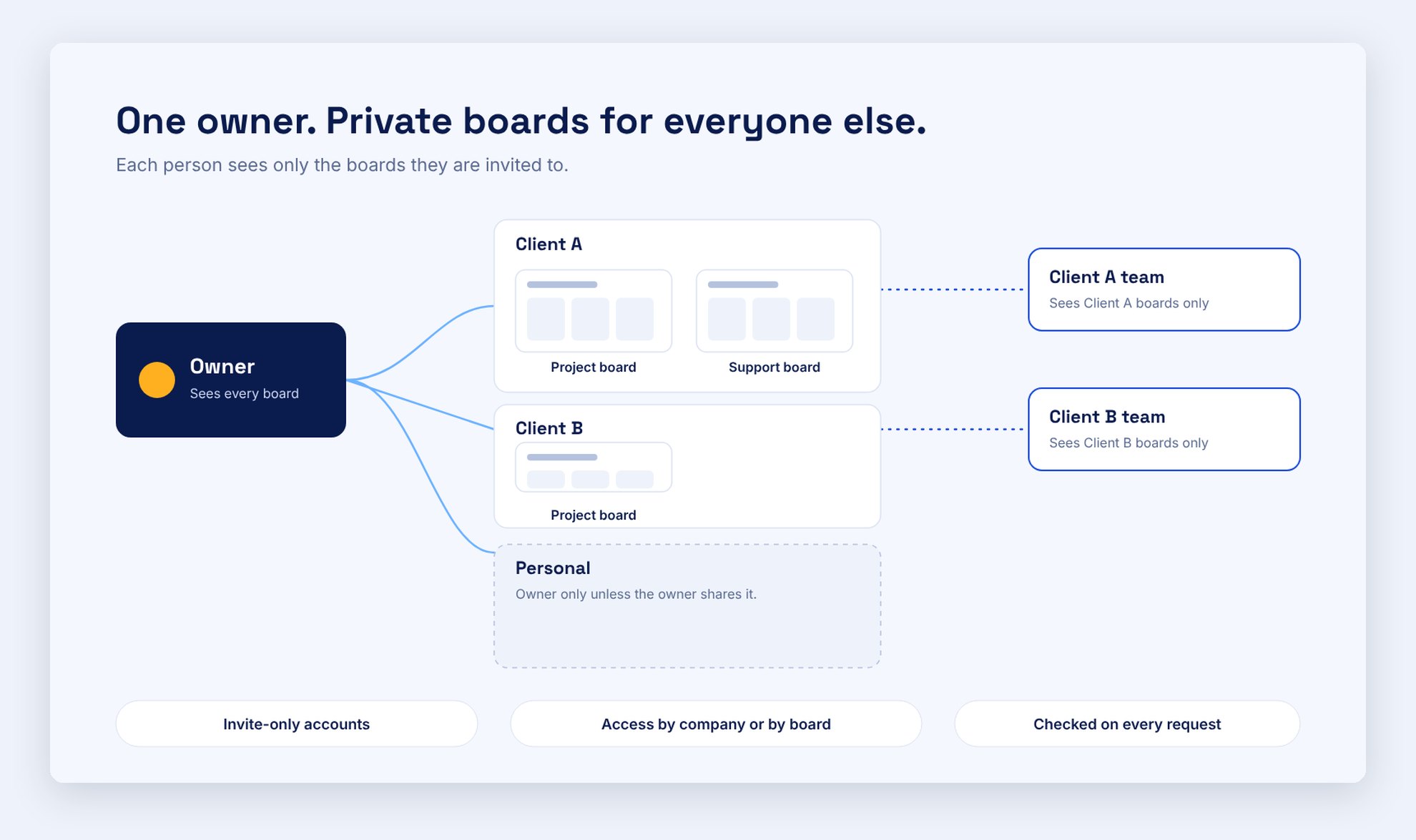
We started with a conversation, not code. The client described how work really moves: quick jobs finished in a day or two, mid-size projects that take about a week, and long-term goals. Together we settled the structure: every company gets its own workspace, personal projects get a workspace that is never shared, and access is granted by company so permissions stay simple.
Because client logins have to be genuinely secure, we built it as a real application on a private server, with its own database, invite-only accounts and automatic deployment, not a quick prototype.
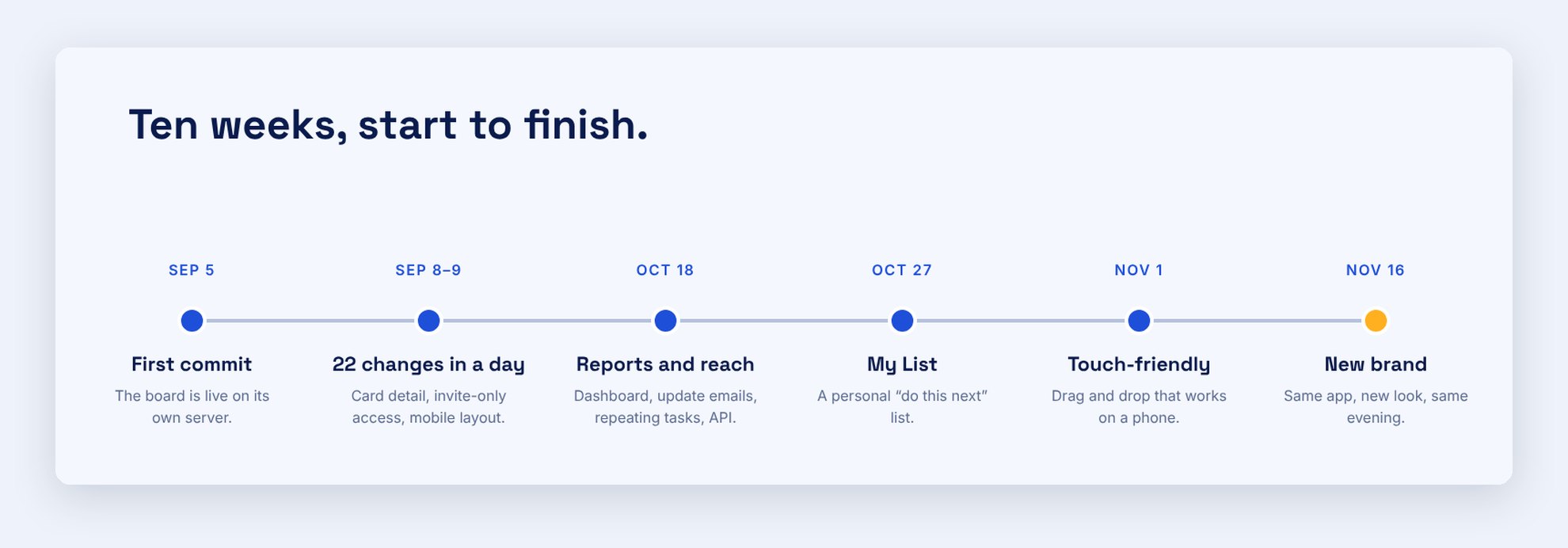
From there the work ran in short cycles. The client used the app, reported what felt wrong, and fixes shipped fast: 22 changes went live on a single day in September, and 70 over ten weeks. Parts of the build used AI assistance (Claude, from Anthropic), with the client directing every decision and testing every change on the live site.
The solution
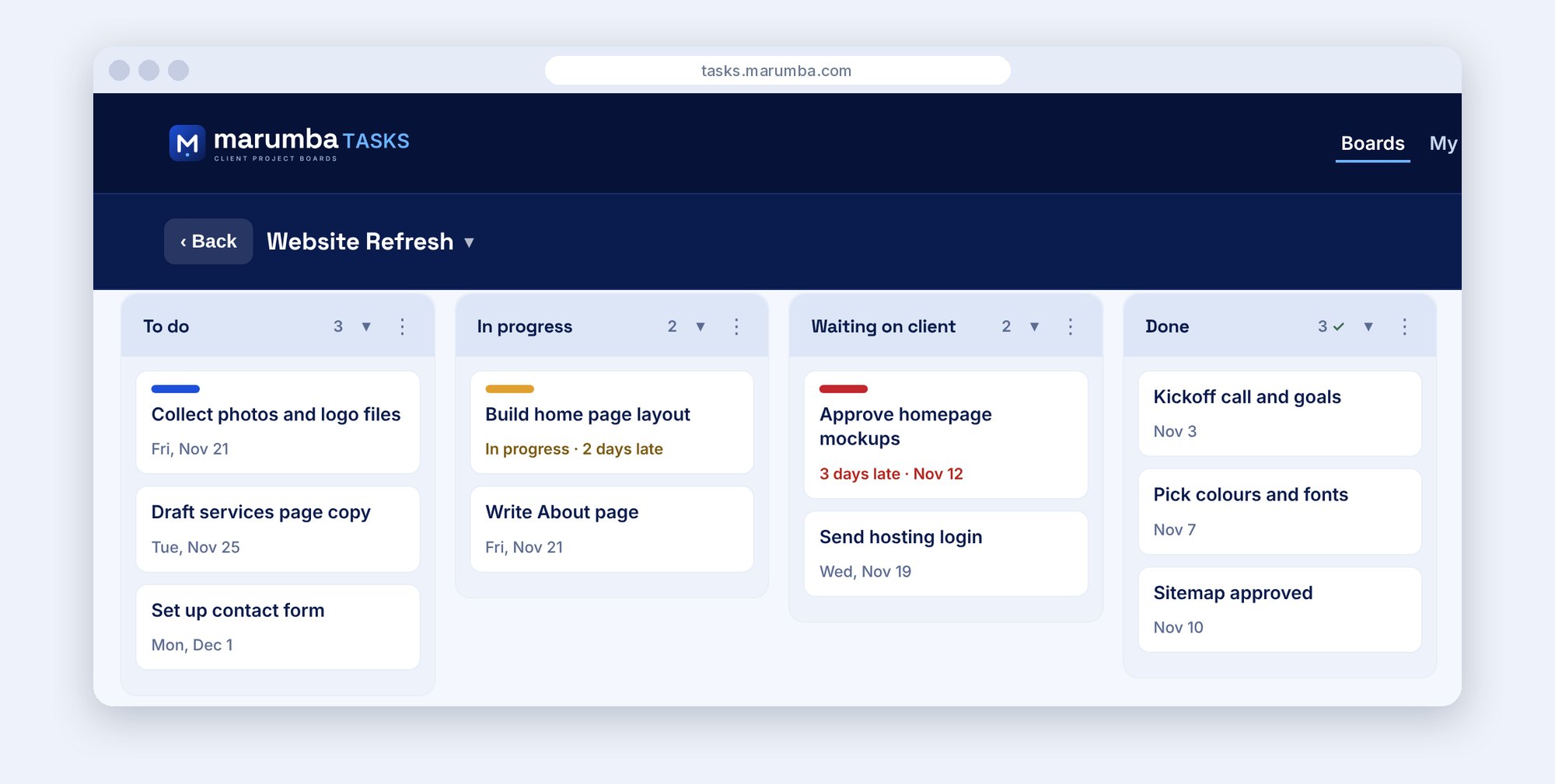
Boards that match how work moves
Columns, drag-and-drop cards, labels, due dates, checklists, comments, attachments and a full activity history on every task.
A personal "do this next" list
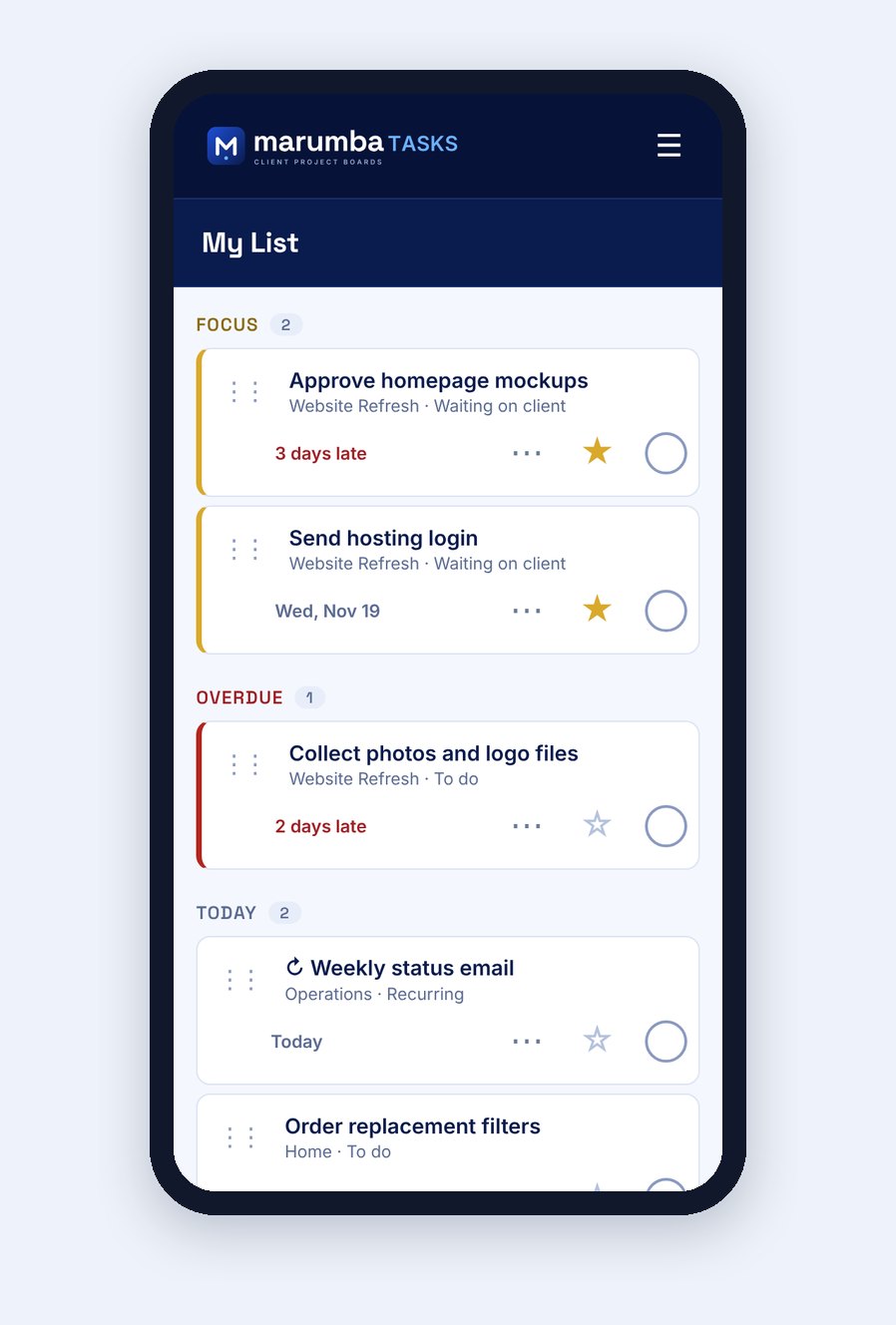
My List pulls focus picks, overdue, today and the next seven days from every board into one page. Repeating tasks roll forward on their own, and work in progress isn't flagged as overdue.
Works on a phone
The app installs on a phone's home screen, with touch-friendly drag and drop and a mobile layout.
Updates without the chasing
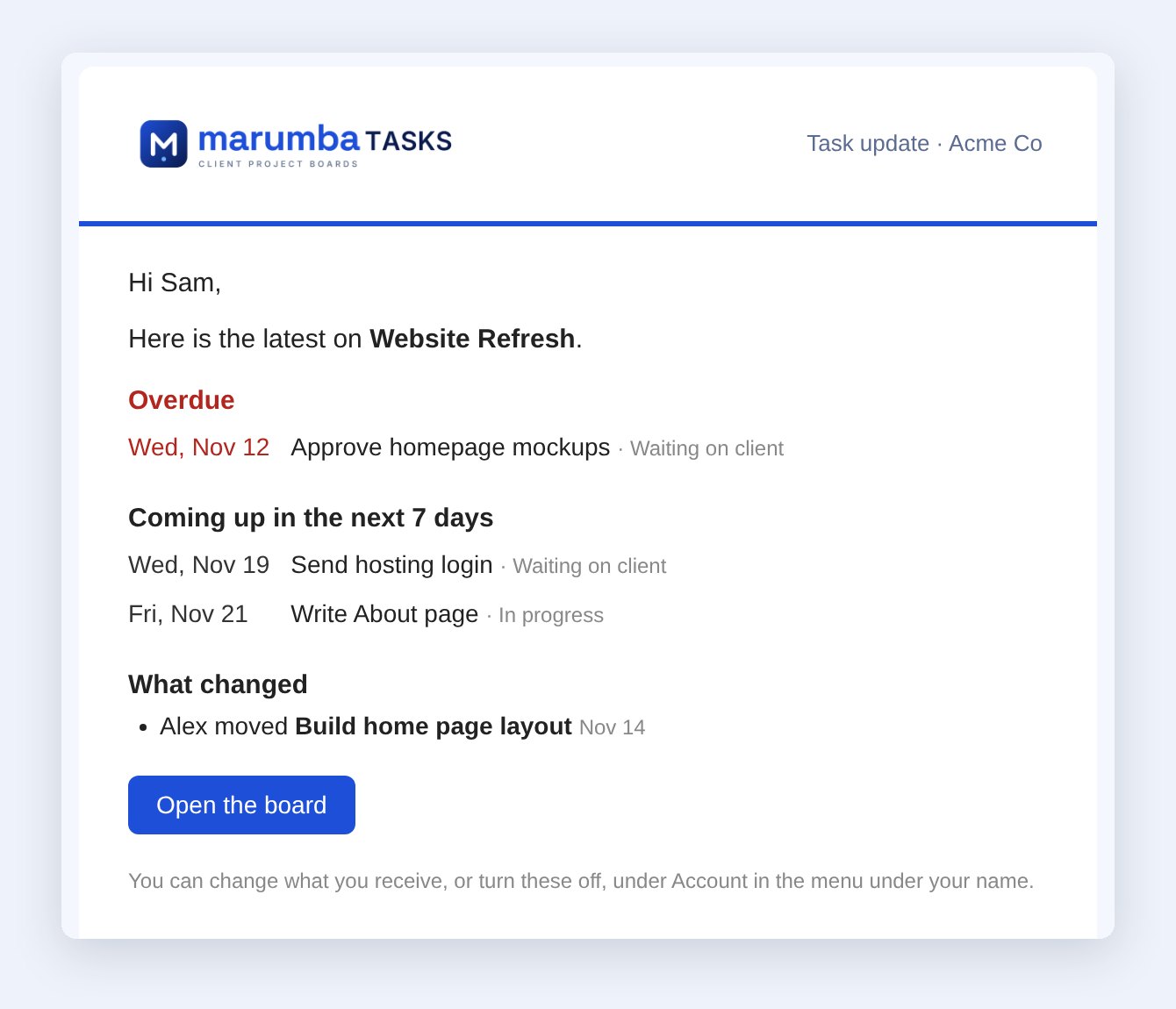
Scheduled update emails go out per board, and each person chooses what they receive. The status question gets answered before anyone asks it.
Ready for an AI assistant
A read-only, revocable API lets an assistant answer questions like "what should I do today?" from the live boards.
Privacy built in
Accounts are invite-only. Each person sees only the companies or boards they're given, and every request is checked on the server. Personal projects stay private unless the owner chooses to share them.
The Marumba look
In November the whole app took on the new Marumba brand in a single evening, with the layout and behavior left exactly as they were.
How it's used
The client uses the board every day, on desktop and phone, for personal and business work together. My List starts the morning, the dashboard shows what's overdue, and update emails keep the picture current. As of November 2026 it holds 9 boards and 169 tasks, and it's ready for the client's own customers to be invited to boards of their own: each would see only their work, and the client would see all of it.
"I used to spend my days wondering where things stood. Now I open one board and I know. Being organized is the biggest win." (Client, partner and owner)
Want results like this?
Tell us about your business and what you want your website or application to do.