
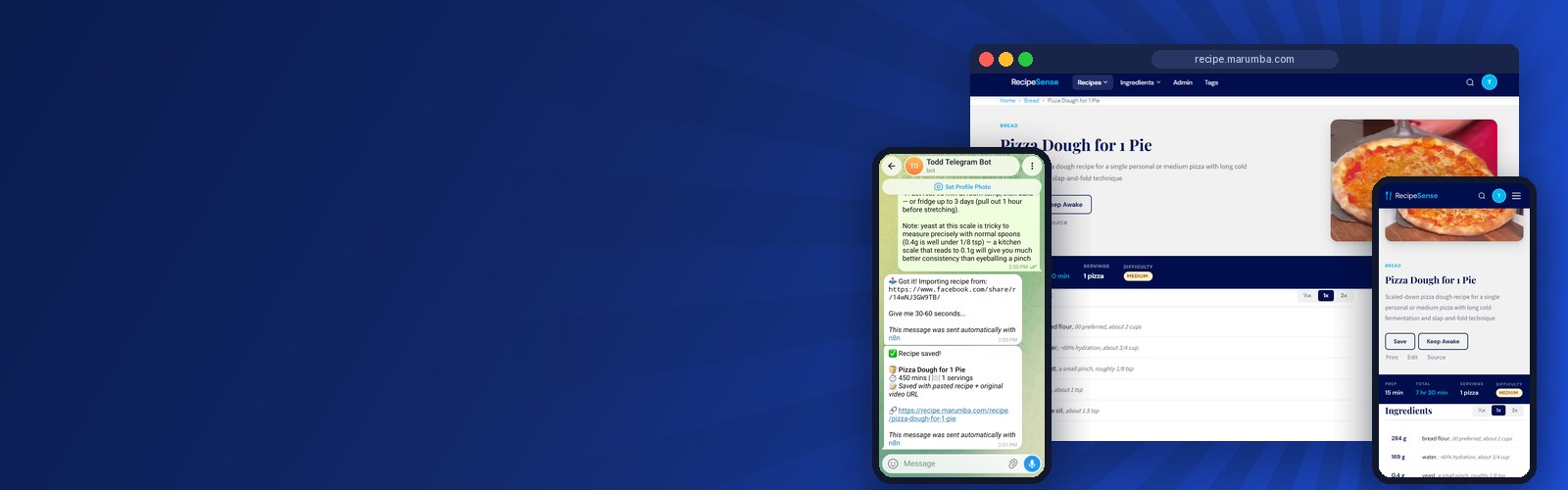
The challenge
The client found great recipes every week and could cook from almost none of them. They were scattered across Facebook saved posts and reels, YouTube videos and bookmarked blogs, and none of those work at a counter with messy hands.
- Saved isn't usable. A saved reel has no ingredient list. A blog post buries the recipe under the story. Nothing could be searched, scaled or printed.
- The kitchen punishes the phone. Screens lock mid-recipe, and videos have to be scrubbed back and forth to catch the next step.
- "What can I make tonight?" had no answer. With rice, chicken and cream on hand, the only option was scrolling hundreds of saves and hoping.
Recipe apps didn't fit either. Most want each recipe copied and pasted by hand, which is exactly the chore the client wanted gone, and almost none can read a Facebook reel.
Our approach
We set out to remove every step between seeing a recipe and cooking it. The client texts a link; the system does the rest.
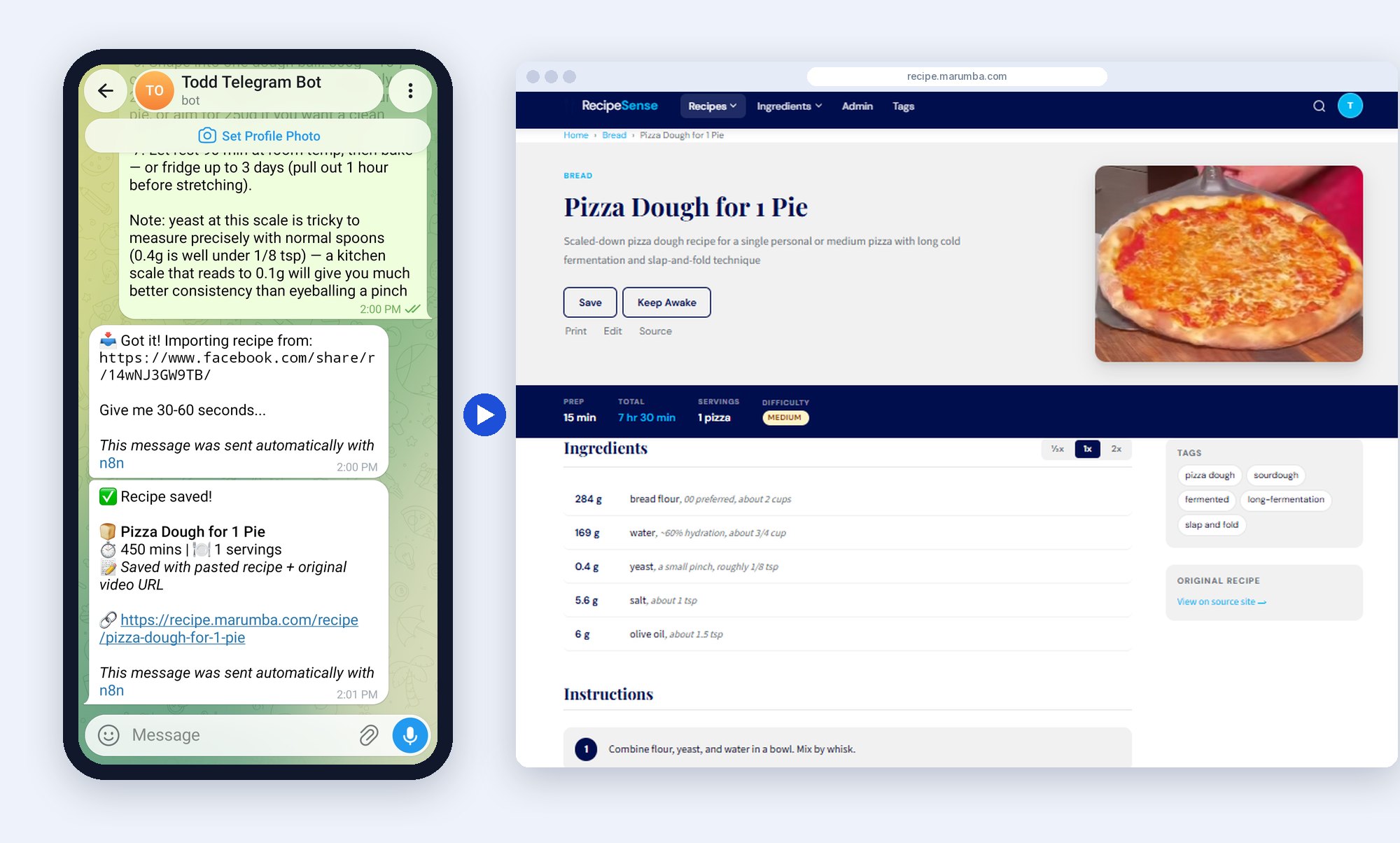
Capture by text message
The client sends a Telegram bot a message tagged [recipe] with a link. The bot replies right away so they know it landed, then an automated workflow works out whether the link is a blog page, a Facebook reel or video, a YouTube video or an Instagram post, and reads it the right way for that source. For YouTube it pulls the video's transcript. About a minute later the bot texts back a link to the finished recipe page.
Let AI do the reading, with guardrails
Anthropic's Claude pulls out the title, ingredients (split into amount, unit and name), numbered steps, times, servings, nutrition, category and tags, and returns them as structured data. For web pages, the workflow hands it the page's own built-in recipe data first, which beats guessing from page text. Every result carries a confidence rating, so a partial import is labeled partial instead of passed off as complete.
Build the site for the kitchen
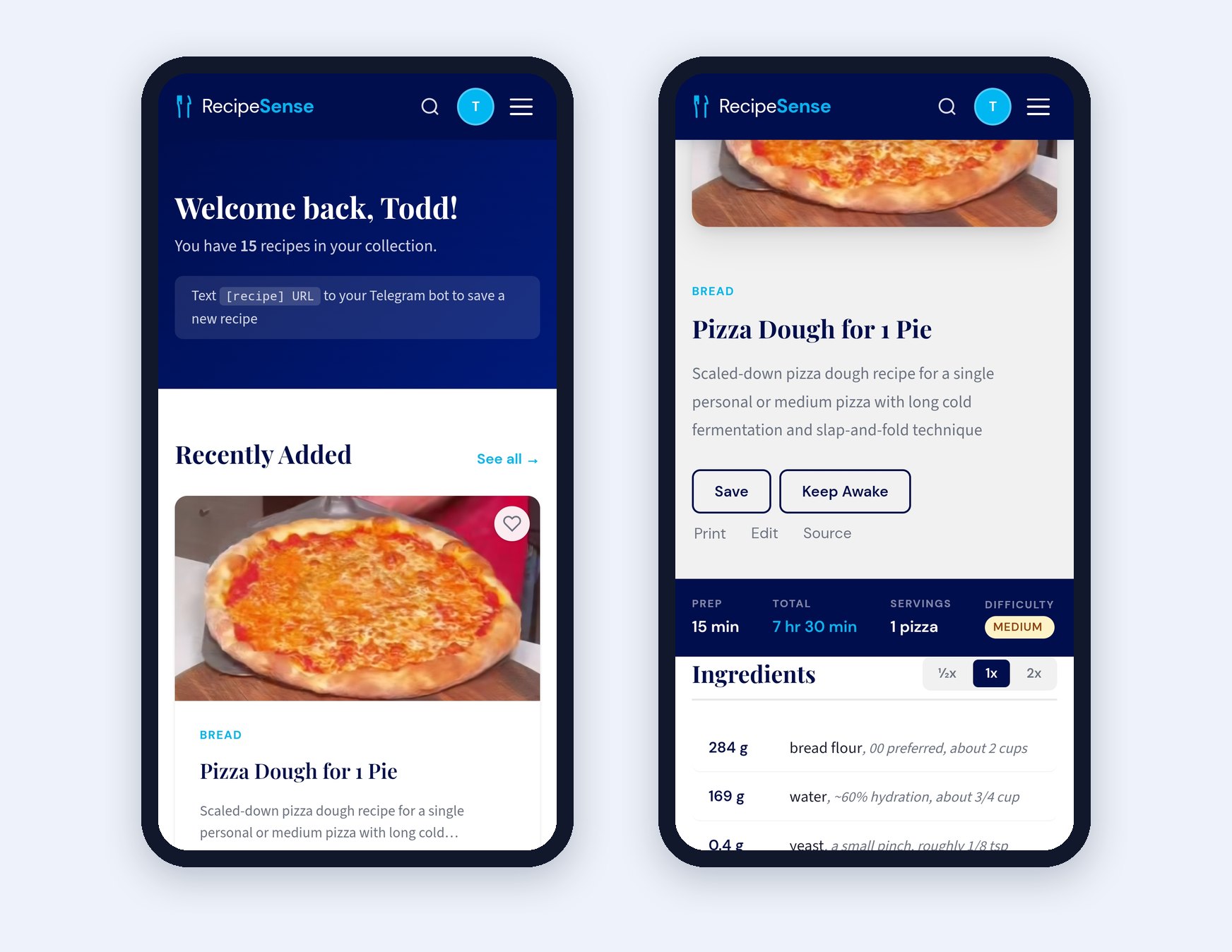
The recipe page scales ingredients to half, normal or double, keeps the screen awake, prints cleanly and links back to the original. Because every recipe is structured data, the client can search by ingredient or any phrase, like "air fryer" or "one pot", and browse by category from the top menu.
The solution
We built it in layers, with the client reviewing each one: a design target first, then the database and API, then the website, then the import workflow that feeds it. The stack is React, Node.js and SQL Server, with an n8n workflow handling the import.
One recipe, many owners
The database keeps one master copy of each recipe and gives each person a lightweight pointer to it. If two people save the same link, or the client shares a recipe with a friend, nothing is duplicated. Favorites, ratings, notes and cook counts live on each person's pointer, so sharing never overwrites anyone's changes.
Private by invitation
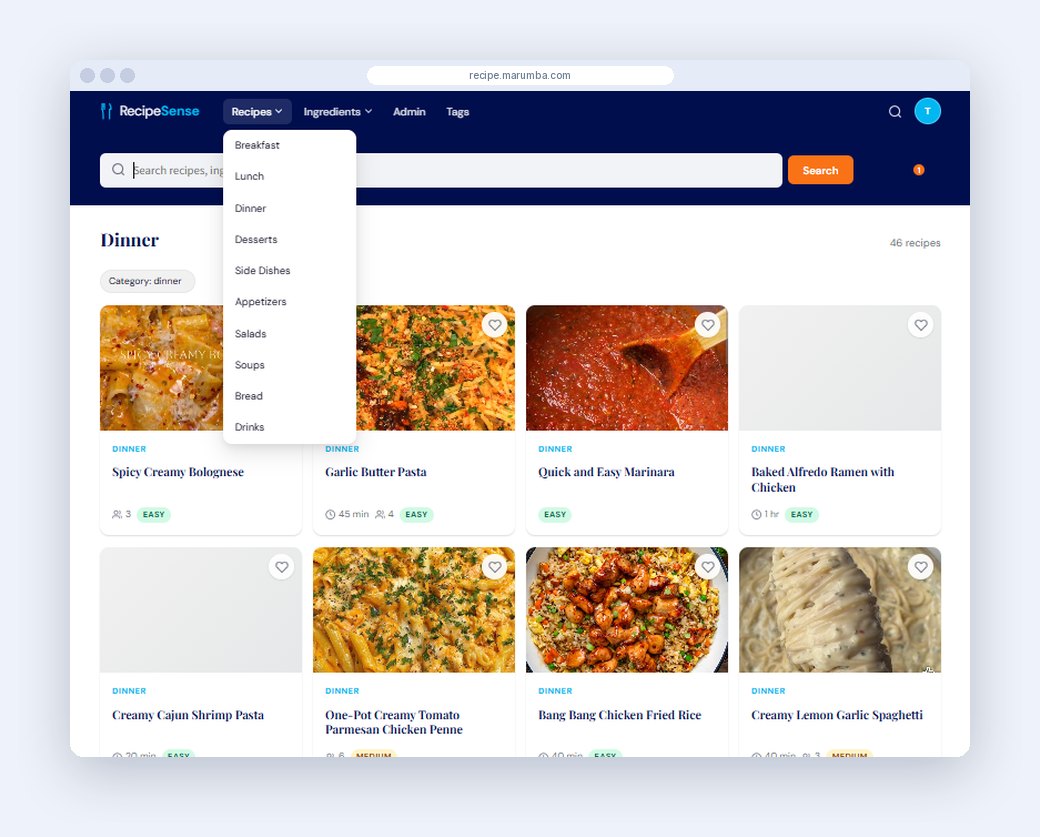
The sender's phone number decides whose account a recipe goes to and doubles as the login. The administrator invites people by email with a link that expires in seven days, and edits the Recipes and Ingredients menus directly, with no code change.
Problems solved along the way
- Facebook blocks automated reading of reels. The workflow takes what it can from the page, and the client can paste the recipe text under the link; the system combines the two.
- Videos have no written recipe. For YouTube, the AI builds the recipe from what the cook says on screen.
- Many pages have no usable photo. A four-step fallback tries the recipe's photo, other images on the page, the video thumbnail, then a matching food photo, so every card has a picture.
- A paid scraping service added cost. We reworked the workflow to fetch pages directly, which removed the monthly fee.
- Three automations shared one Telegram bot and stole each other's messages. One router now owns the bot and hands each message to the right workflow.
- Failures were silent. Every failure now texts the client the link and a plain-language reason.
The results
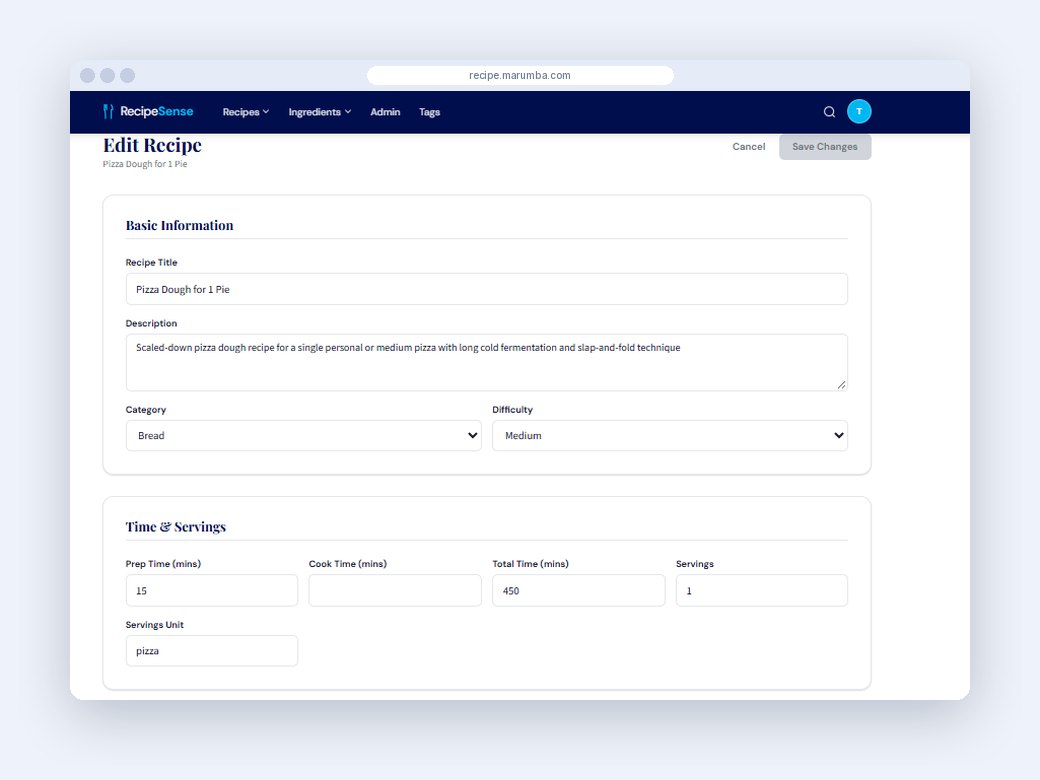
Saving a recipe went from several minutes of copying and cleanup to one text message and a 30 to 60 second wait. The library holds 90 recipes, 46 of them dinners. Backlogs load 25 links at a time from a bulk import page, and anything the AI misreads can be fixed on the edit page.
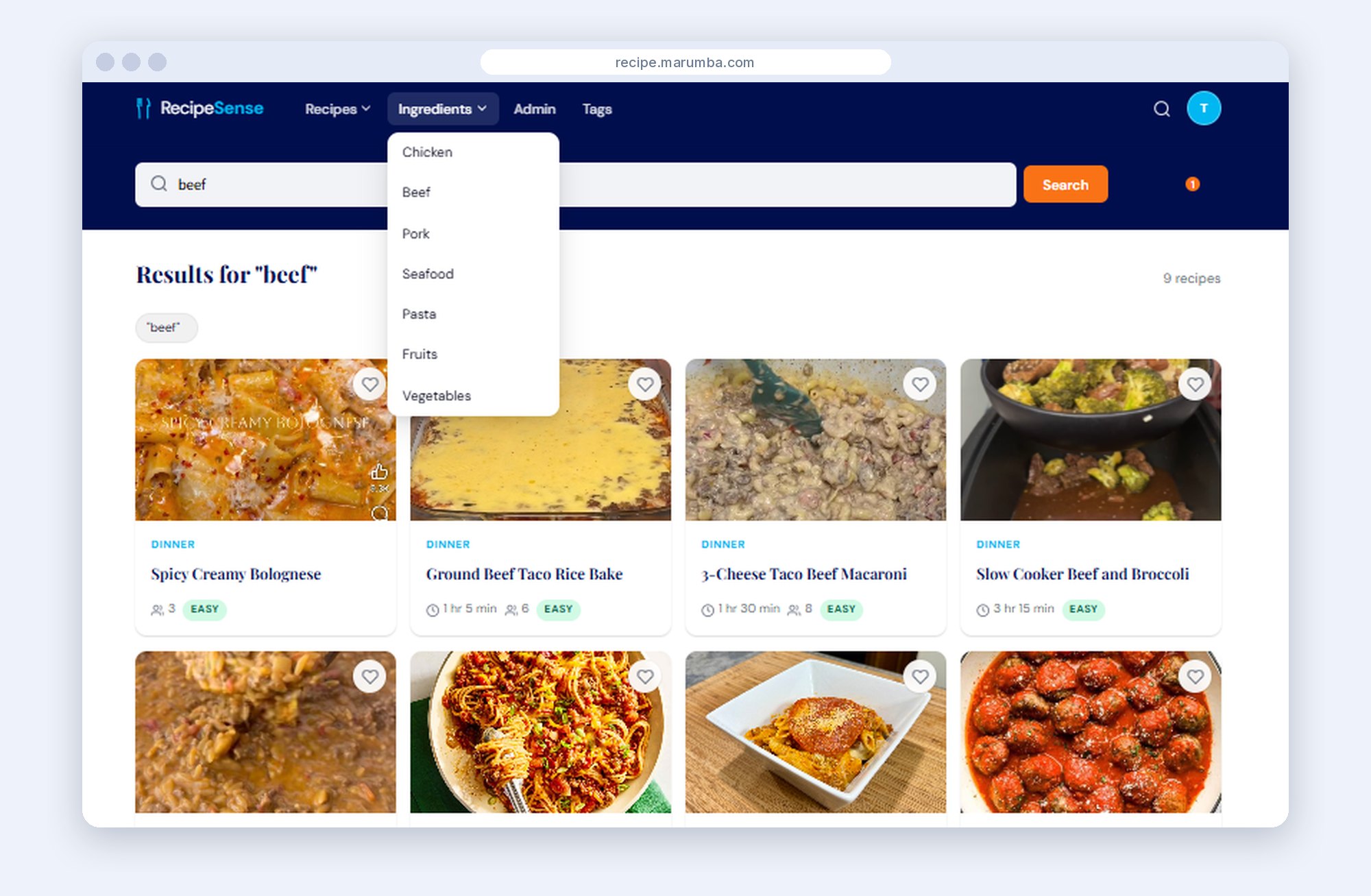
A typical week: a reel for white chicken enchiladas gets texted to the bot on Sunday. On Tuesday the client searches for rice, chicken and cream to see what's possible, opens the recipe on a phone, turns on keep-awake and doubles it for guests. After dinner it gets a rating and a note: "use less salt next time."
What's next
Text-message intake through Twilio is already designed in, so recipes could arrive by SMS too. Sharing between friends and grocery lists are the natural next steps. If you have a chore that starts with a message, a link or a file and ends with a tidy record, a tool like this may fit.
Want results like this?
Tell us about your business and what you want your website or application to do.